Description
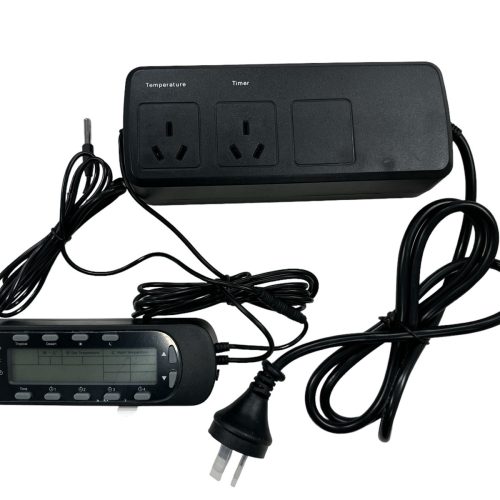
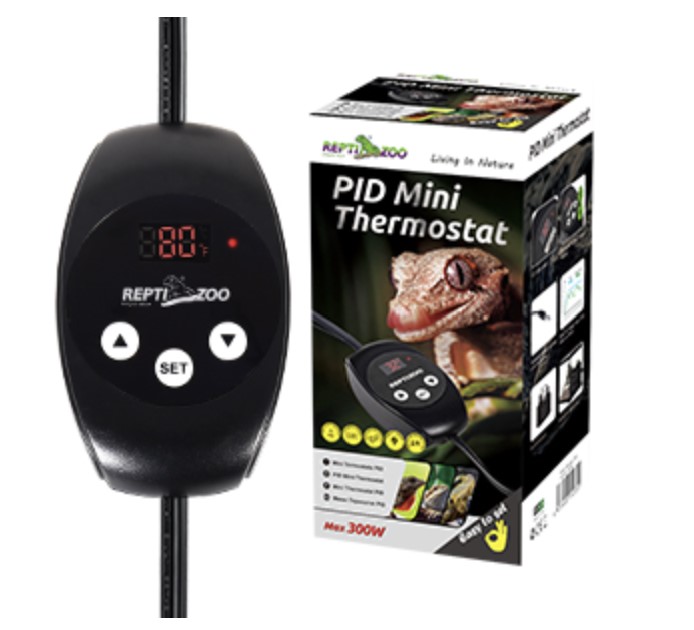
- Dimming Thermostat: The dimming thermostat is a very accurate temperature control method. It’s designed specifically for controlling light bulbs, smart PID heating mode is more stable and efficient which can improve bulb lifetime. Although it’s perfect for light bulbs, it’s also suitable for almost any heater.
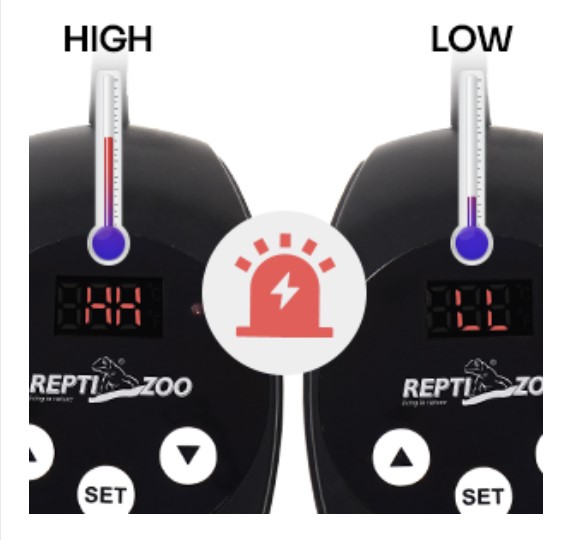
- Safety & Reliable: This smart thermostat has a highly accurate & precise sensor that can sensitively detect the real-time temperature and make adjustments, so you can always maintain the right temperature. The constant temperature control range is from 20℃ to 50℃ (68°F to 122°F)
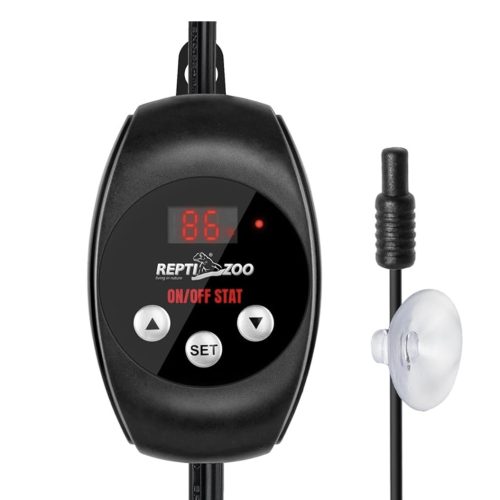
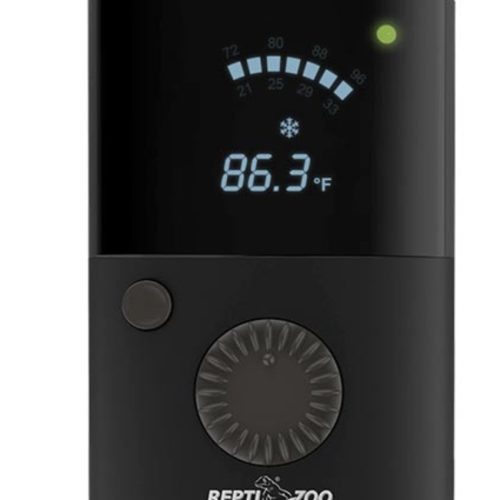
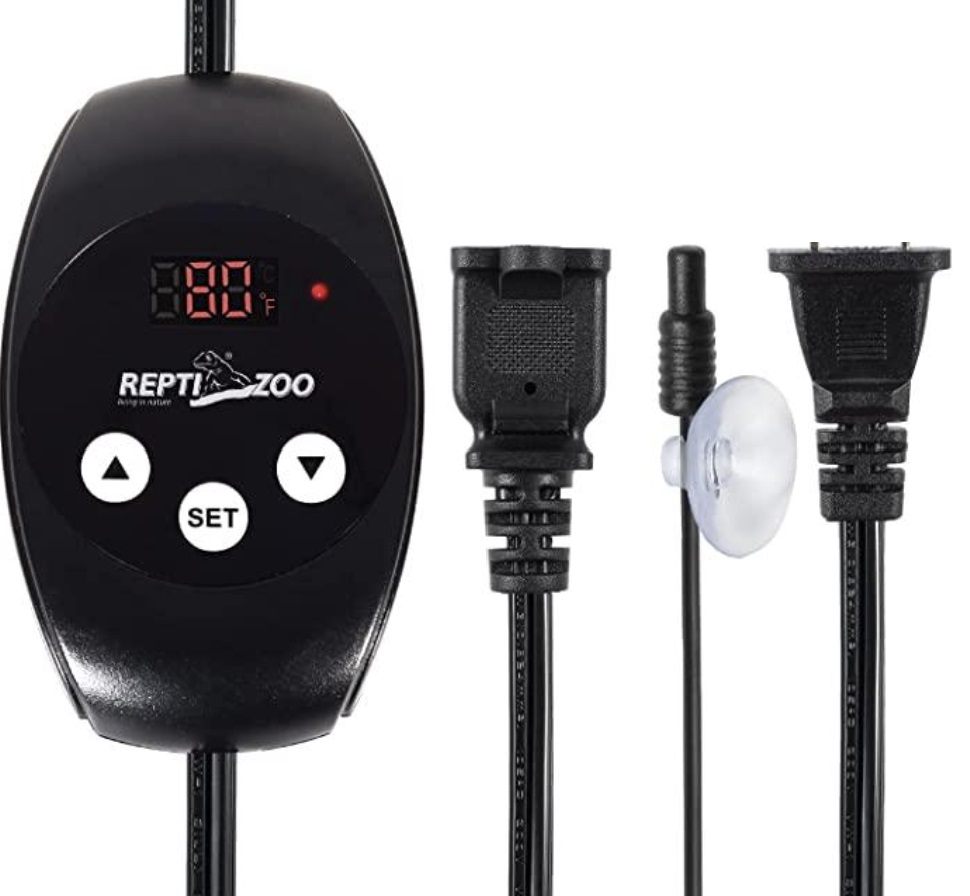
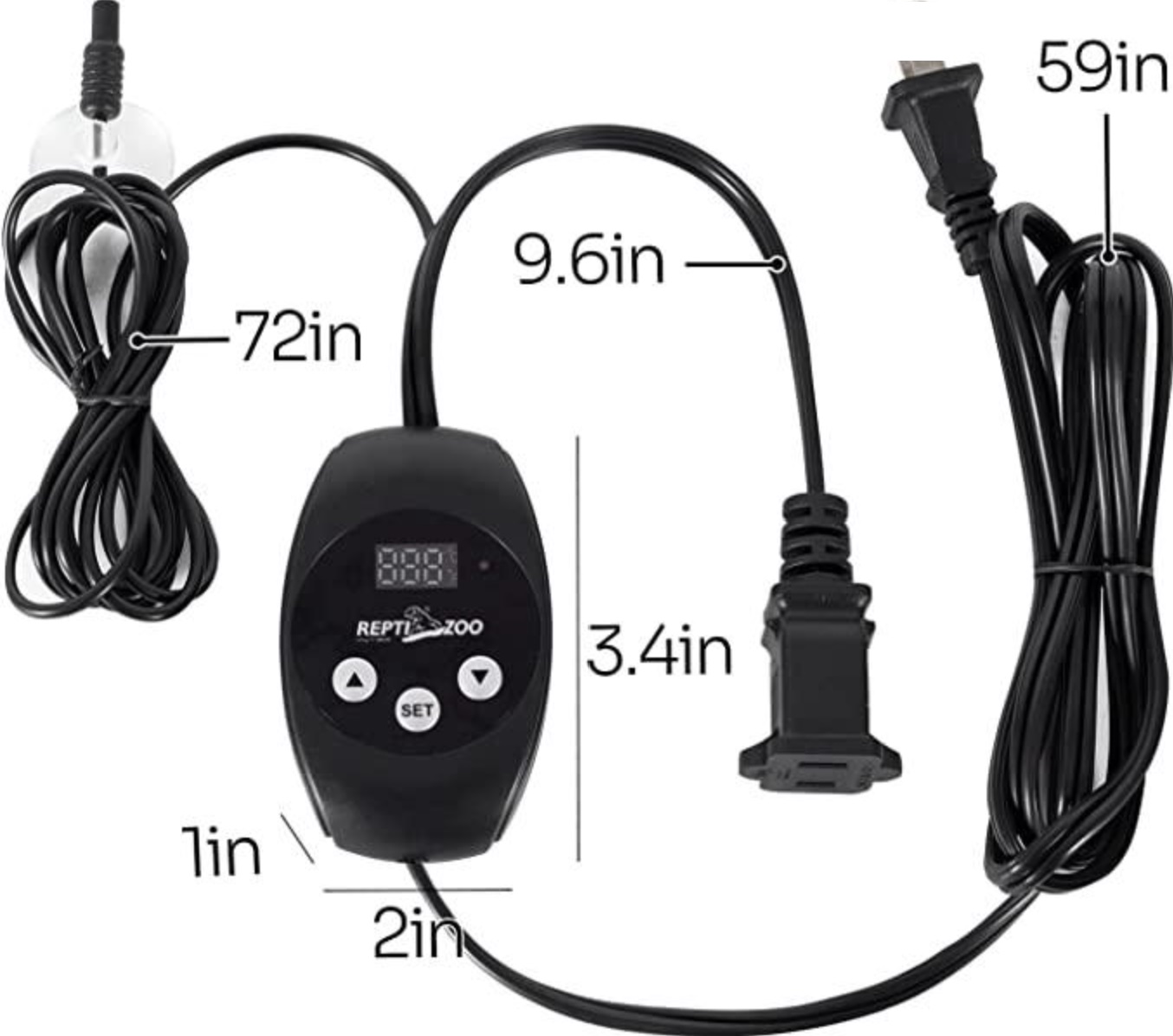
- Easy to Use: Simply put the temperature probe in the location that requires monitoring, set the appropriate temperature, and then connect the heating device. LED digital screen can directly display ambient temperature and setting value. You can switch celsius and Fahrenheit at will.
- For the Health of Reptiles: Temperature is an important factor affecting the physiological activity of ectotherms, their habitat must be set within a suitable temperature range to ensure their health and vitality.
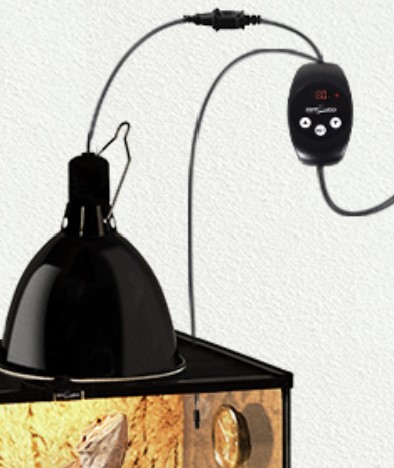
- Multiple Usage: This thermostat can be attached to heat bulbs, a heating mat, or a heat cable, and can be used for reptiles, pet breeding, hatching, or anything else that needs to control temperature. (We would highly recommend this thermostat If the heating device is a light bulb) Maximum output load: 300W
How they Work:
The temperature is controlled by increasing or decreasing power to the heater incrementally. If the temperature in the vivarium is too warm it supplies less power and so the light will dim. If it is too cool then the stat will supply more power, therefore brightening the bulb to provide more heat.
Temperature setting
- To set the temperature required press and hold the set button for 3 second, you will see the last digit of the display start flashing
- Press the buttom to increase or decrease the temperature as required.
- Press set again to store the temperature and exit the setting model
- If not selected the device will store automatically after 15 second
Operating instructions
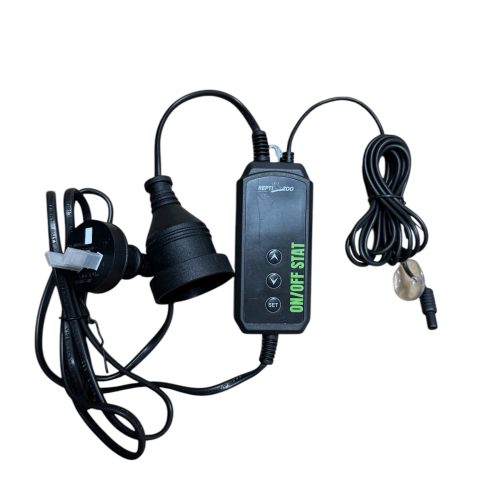
- Attach your heating device to this product
- Connect this product to your electrical supply and switch on.
- Place the temperature probe in the location that requires monitoring
- For selecting Fahrenheit or Celsius: to switch from one to the other simply press the buttom and hold for 2 second.
Brand
Reptizoo